An “error 266” message appears when you’re installing SMART Product Drivers
|
SMART software
|
SMART Product Drivers 10.7 |
|
SMART hardware
|
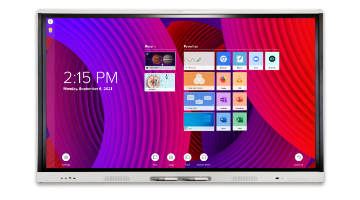
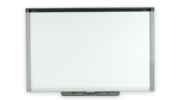
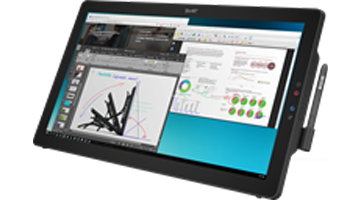
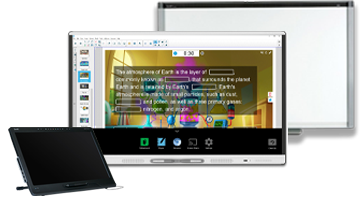
SMART Board interactive whiteboard systems, SMART Board interactive displays, SMART Podium interactive pen displays, SMART Slate wireless slates |
|
Operating systems
|
Windows operating systems |
Issue
When you’re installing SMART Product Drivers, an “error 266” message appears and the installation is unsuccessful.
Cause
Your operating system is unable to validate the digital signature in the SMART Product Drivers installation package against its known, trusted root certificates.
Alternatively, one or more files in the installation package are corrupt.
Solution
Update your operating system with new root security certificates. If the installation is unsuccessful, download and install SMART Product Drivers again.
To update your operating system with new root security certificates
-
Connect your computer to the Internet and go to windowsupdate.microsoft.com.
-
Follow the on-screen instructions.
-
Install SMART Product Drivers.
If the installation is unsuccessful, download and install SMART Product Drivers again.
To download and install SMART Product Drivers
-
Go to the SMART Product Drivers download page and click Download.
-
Follow the on-screen instructions.
-
Double-click the downloaded installation file, and follow the on-screen instructions.
|
First published
|
February 3, 2011 |
the cabinet file Data1.cab has an invalid digital signature was returned by WinVerifyTrust