“Out of Scan Range” Message on the Sympodium Interactive Pen Display
|
SMART Hardware |
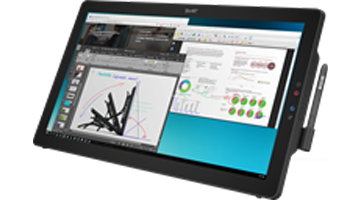
Sympodium interactive pen displays |
Issue
An “Out of Scan Range” message appears on your Sympodium interactive pen display.
Cause
An “Out of Scan Range” message appears on your Sympodium interactive pen display if its resolution or refresh rate isn’t set correctly.
Solution
Complete the following procedure to determine why an "Out of Scan Range" message appears on your Sympodium interactive pen display.
-
Install and connect your pen display to your computer and an active power source by following the instructions in your installation guide.
-
Turn on your pen display to verify that its POWER indicator (light) is working. See document 98197 for more information.
-
Turn on the connected computer. Wake up the computer if it’s in sleep mode.
-
Touch your display with the tethered pen, and then verify that the STATUS indicator (light) flashes when you do so. The STATUS indicator is located to the left of the POWER indicator.
-
Set your display’s resolution to 1280 × 1024 pixels (ID370 and DT770 models) or 1024 × 768 pixels (all other models). See document 98223 for more information.
-
Set your display’s refresh rate to 70 Hz or less. See document 98223 for more information.
If an "Out of Scan Range" message still appears on your interactive pen display, contact SMART Support.
|
First Published |
June 6, 2007 |
|
Last Updated |
October 26, 2007 |