English (USA)


Award-winning technology that connects
Inspire collaboration and engagement with technology that connects people and ideas. Our interactive displays and dynamic software help connect your most valuable resource - your people.
Explore SMART solutionsFind what you're looking for
-
Education
-
Business
-
Government
-
Lumio
Education solutions
Connected learning
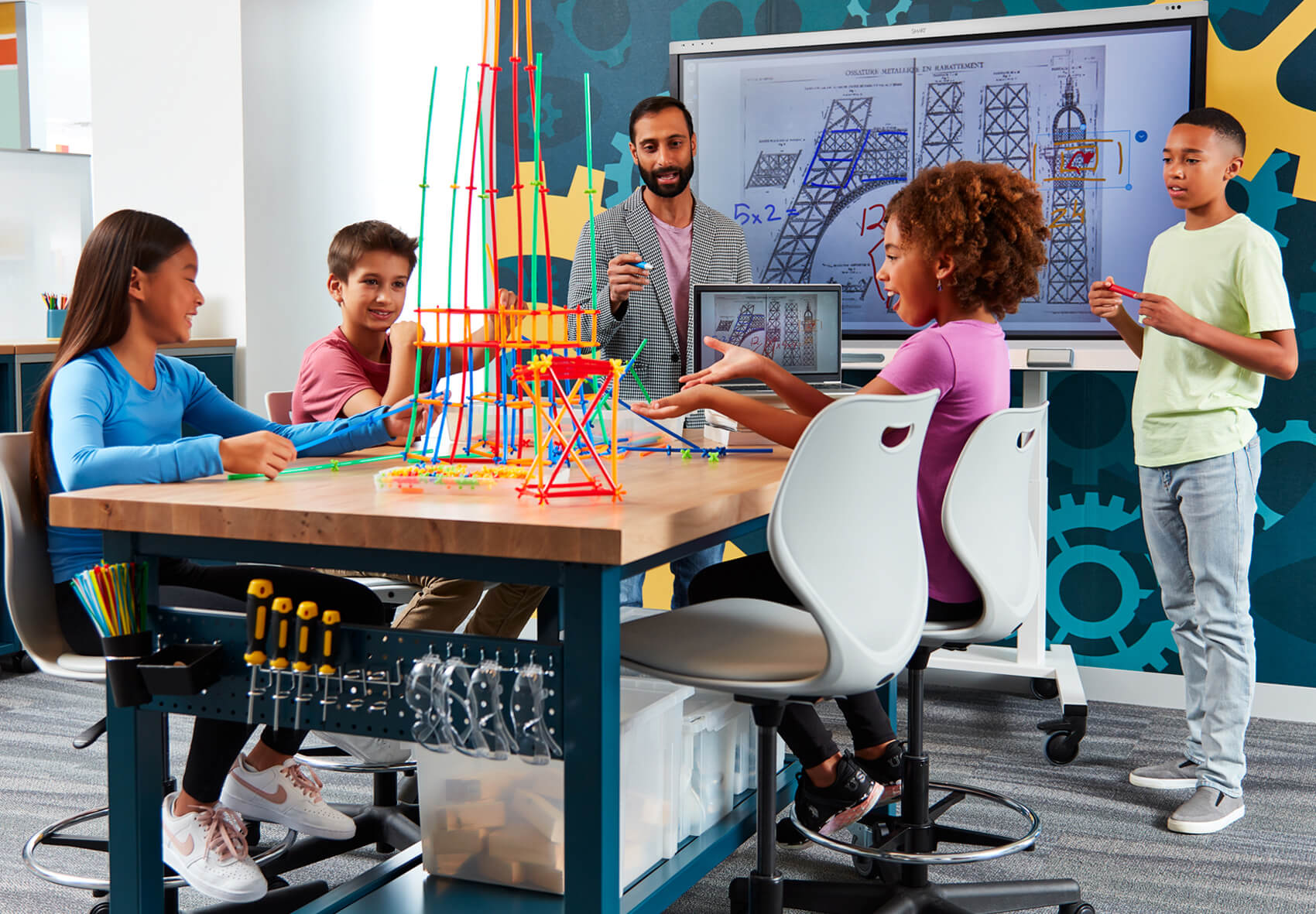
Our industry-leading classroom technology changes how students and teachers engage and encourages truly collaborative learning. Discover learning solutions that supercharge student engagement, like our cutting-edge interactive displays and educational software. Experience the only display that lets multiple students interact at the same time without interfering with each other’s work.
Explore SMART for EducationBook a demo
Business solutions
Connected meetings
With SMART, team collaboration becomes more dynamic and energized than ever. Our workplace technology encourages everyone to share ideas, whether in the conference room or joining a meeting remotely. Our interactive displays and business software solutions empower high-performance teams and encourage dynamic problem-solving. Experience the modern meeting room with SMART.
Explore SMART for BusinessBook a demo
Government solutions
Connected teams
SMART’s government technology offers the highest levels of security for teams to quickly and effectively respond to emerging situations with confidence. TAA-compliant and GSA-compliant, our govtech offerings keep confidential information safe while enabling important collaboration between global teams.
Explore SMART for GovernmentBook a demo
Lumio learning software
Light up learning with Lumio
Our award-winning student software gives teachers the tools to engage every single student in hands-on learning from any device. Packed with ready-to-use formative assessments, graphic organizers, and more, this is learning software that teachers and students love.
Explore LumioView plan optionsA partner in your success

Why SMART?
-
Committed to your outcomesYour success is our end goal. We design products that encourage deeper engagement, interactivity, and collaboration. And we offer robust training and adoption support so that you get the most out of your products from day one and beyond.
-
Gain a partner, not just a product
-
Quality that goes the distance
Trusted by leaders, innovators, and educators around the world.


#WeAreSMART
#ConnectionsThatMatter






For Channel Partners worldwide
A trusted partner every step of the way
When you choose to sell SMART products, you’re backed by a highly-rated brand, world-class support and education expertise.